CLI reference
Every command in the Perch CLI — the perch subcommands you run from your shell, and the slash commands you use inside an interactive session.
The Perch CLI is the full operator in your terminal. It runs the same engine and citation checker as the desktop app, working from the folder you are already in. This page is the complete command reference: the perch subcommands you run from your shell, the global flags that shape a session, and the slash commands you type once Perch is running.
Install and sign in
npm install -g perchai-cli   # Node 18+
perch login                  # opens a browser tab, saves your session
perch                         # start working in the current folder
Two ways to run
There are two modes, and the difference is whether you stay in a session or fire one task and exit.
- Interactive. Run
perchwith no arguments to open a chat in the current directory. It reads the files there, takes tasks in plain language, and keeps a thread. Slash commands (below) steer it while it works. - One-shot. Run
perch run "<task>"to execute a single task and return. Add--jsonfor machine-readable output. This is the form you script or pipe.
perch                                   # interactive session in .
perch run "Check March invoices for duplicates."   # one task, then exit
perch run "Draft the venue section" --persona quill --json
Shell commands
Commands you run from your shell as perch <command>.
| Command | What it does |
|---|---|
perch | Open an interactive Perch chat in the current directory. |
perch login | Open browser sign-in and save this terminal's session. |
perch status | Show the saved auth and app-connection status. |
perch logout | Clear the saved CLI auth session. |
perch skills [name] | List Perch's core skills, or print one skill's body. |
perch run "<task>" | Run a single natural-language task through the operator. |
perch ap evidence <folder> | Prepare AP-audit evidence, cases, metrics, and graph artifacts. |
perch ap packet <folder> | Generate the full AP audit packet and report. |
perch test ap <folder> | Run evidence + packet and emit a pass/fail receipt. |
perch byok use <provider> | off | Run this terminal's turns on a cloud key saved to your account, or go back to Perch. |
perch byok list | status | test | set | remove | Manage the keys on your account without leaving the terminal. |
perch byolm set <url> <model> | Point Perch at your own local model (Ollama, LM Studio, llama.cpp). |
perch byolm status | clear | test | Show, remove, or probe the local model. |
Global flags
These shape a session and can be passed to perch or perch run:
| Flag | Values | Purpose |
|---|---|---|
--cwd <dir> | any path | Work from a folder other than the current one. |
--permission <mode> | default, auto_review, take_the_wheel, plan | Set how much Perch can do without asking. See Permission modes. |
--mode <mode> | ask, agents, plan | Set the chat mode for the session. |
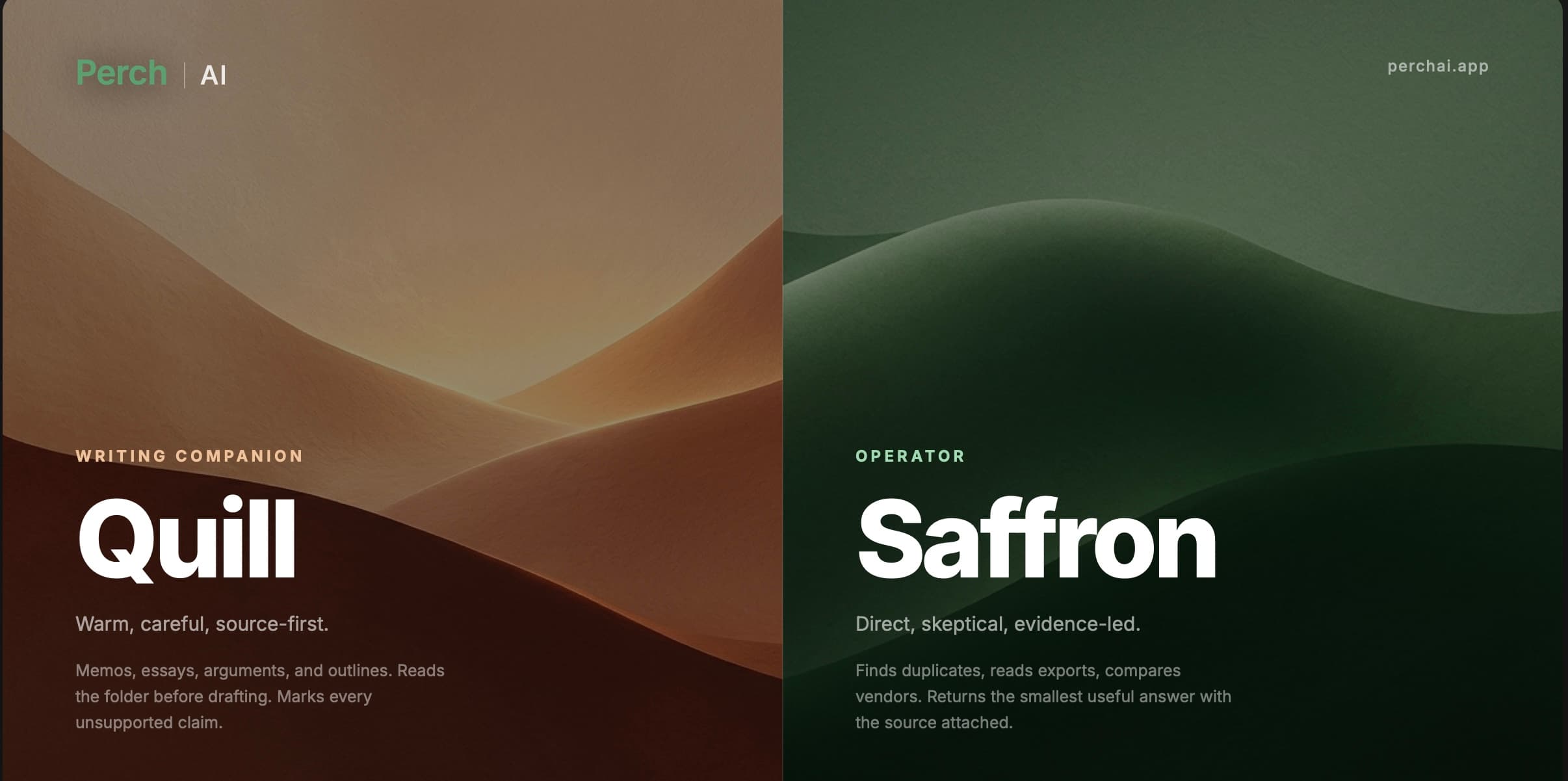
--persona <persona> | saffron, quill | Start in a voice. See Personas. |
--model <tier> | standard, standard max, pro, pro max | Pin a Roost tier for the run. |
--thinking <on|off> | on, off | Toggle extended thinking for the selected model. |
--thread <id> | thread id | Continue a specific thread (with perch run). |
--json | — | Emit machine-readable output (with perch run). |
Slash commands
Once you are in an interactive session, type a slash command at the prompt. While Perch is working you can also type steering text and press Enter; Ctrl-C stops the current turn and Ctrl-E expands details.
This section is the list. For when to reach for each one and what it gives you back, see Slash commands.
Running work
| Command | What it does |
|---|---|
/goal <objective> | Work autonomously toward an objective across turns until a completion audit passes. |
/goal [status|pause|resume|clear] | Inspect or control the active goal. It survives quitting, so /goal resume works in a later session. |
/verify [text] | Re-check the last answer, or pasted text, against your indexed sources. |
/verify --changed | Re-check only the claims whose sources moved since your last /verify. |
Session and help
| Command | What it does |
|---|---|
/help | Show the full command list. |
/status | Show cwd, auth, mode, persona, permission, and thread. |
/context | Show the context meter and compaction details. |
/clear | Clear this terminal session's local conversation memory. |
/exit | Leave the Perch CLI. |
Account
| Command | What it does |
|---|---|
/login | Sign in through browser OAuth. |
/logout | Clear saved CLI auth. |
Steering the work
| Command | What it does |
|---|---|
/persona [saffron|quill] | Show or switch voice. Personas. |
/mode [ask|agents|plan] | Show or set the chat mode. |
/permission [mode] | Show or set autonomy for the next turns. Permission modes. |
/model [tier|name] | Show or set your model — a Roost tier or an exact model pin. Model tiers. |
/thinking [on|off] | Show or toggle extended thinking for the selected model. |
/byok [provider|off] | Show, or switch, the saved cloud key this terminal's turns run on. Bring your own key. |
/local-tools [on|off] | Show or toggle local shell and file tools. |
/cwd [dir] | Show or change the working directory. |
/thread [new|id] | Show, reset, or set the current thread id. |
/permissions is an alias
/permissions does the same thing as /permission — either spelling works.Memory, usage, and skills
| Command | What it does |
|---|---|
/memory-audit <text> | Check whether a note would be saved to memory, and why. Memory. |
/usage | Show your Perch Token allowance and this session's usage. |
/skills [name] | List Perch's core skills, or show one skill's body. |
Delegating work
| Command | What it does |
|---|---|
/delegate <task> | Hand a scoped task to a background agent for async execution with review. |
/bg <task> | Shorthand for /delegate. |
Use /delegate when a task is self-contained and you would rather keep working than watch it run. The agent executes in the background and returns its result for review, so long jobs never block the session.
Permission modes
Permission modes control how much Perch does before it stops to ask. Set one with /permission in a session or --permission on launch.
Perch decides in two steps. A fixed set of rules runs first, instantly: reading files, editing inside your workspace, and running the project's own build and test commands just go; force pushes, history rewrites, and bulk deletions always stop for you; and a sensitive-path blocklist (keys, credentials, system folders) is refused in every mode. What is left is the smaller set of consequential actions those rules cannot settle on their own, and how that leftover is handled is what separates the modes.
| Mode | What runs without asking |
|---|---|
| Default | Reads only. Every write, command, send, and delete asks you first. |
| Auto Review | Reversible low- and medium-risk work runs on its own. Each consequential action beyond that is checked by a separate reviewer, which asks you only when it is unsure. |
| Take the Wheel | Everything, without asking. |
| Plan | Read-only. Mutating tools stay blocked until you approve a plan. |
Start strict
How Auto Review decides
Auto Review is the hands-off mode that still keeps a guard in front of consequential work. Rather than pausing on every write or command, it sends each one the fixed rules could not clear to a separate reviewer, which reaches a verdict before the action runs:
- Allowed actions run, and the turn continues without interrupting you.
- Blocked actions do not run. Perch is told to find a safer way to reach the goal, not to route around the block, and keeps working.
- Perch asks you when the reviewer cannot decide, when the same kind of action is blocked several times in a row, or for the highest-risk actions that are never reviewed automatically at all: force pushes and bulk deletions always stop for your confirmation.
The reviewer sees your request and the action Perch is about to take, and nothing else. It does not read file contents or command output, so instructions hidden inside a web page or a document cannot talk it into approving something. If the reviewer is ever unavailable, Perch asks you instead of guessing. These checks use a small part of your allowance, in return for a mode that runs unattended without running blind.
The line Auto Review draws is between reversible and irreversible, not between easy and hard. Editing a file you can undo is a different category from sending an email, and the reviewer treats them that way.
Model tiers
/model and --model accept a Roost tier, which lets Roost pick a capable model for each task at standard billing:
auto— let Roost choose.standard,standard max— everyday work.pro,pro max— the hardest tasks.
You can also pin an exact model (for example a specific GLM, Kimi, MiniMax, DeepSeek, Qwen, or Gemma build) when you need a known model end to end. Exact pins bill at 2×. Run /model with no argument to see the current selection and the full list.
Bring your own model
Two commands, depending on whose machine the model runs on.
perch byok runs turns on a cloud key saved to your account. The key itself is stored on the account, encrypted, so a key added on the web is already available here; picking it is per device.
perch byok list                  # keys saved on your account
perch byok use openai            # run this terminal's turns on that key
perch byok status                # what turns are running on right now
perch byok off                   # go back to Roost
You can add and probe keys from here too, including your own OpenAI-compatible endpoint:
perch byok set openai --key sk-...
perch byok set custom --key sk-... --url https://api.example.com/v1 --model acme/model-x
perch byok test                  # one real request against the selected key
perch byok remove openai
perch byolm points Perch at a model you run yourself, such as Ollama, LM Studio, or llama.cpp, instead of Roost. The endpoint never leaves your machine, which is why this one is CLI only.
perch byolm set http://localhost:11434/v1 llama3.1   # register a local model
perch byolm test                                      # probe that it responds
perch byolm status                                    # show the current local model
perch byolm clear                                     # go back to Roost
Turns on either one are not counted against your Perch Tokens, and Perch will not quietly fall back to a hosted model if your endpoint fails. See Bring your own key.
Connecting tools
The CLI connects to MCP servers for capabilities beyond the folder. You add them in .perch/mcp.json, and connected tools then appear alongside the built-in ones. See MCP servers.
The agent browser is desktop only, so browser work is not available in the CLI. If you need it from a terminal-driven workflow, run that part in the desktop app.
Next steps

Slash commands
How to actually use each slash command in Perch Terminal and the CLI, what you get back, and when to reach for one instead of just asking.
Bring your own key
Run Perch on your own model key or your own endpoint, on any plan including the free one. Setup for Web, Desktop, and CLI, plus how it interacts with your included usage.