Personas
Quill and Saffron are two voices for the same Perch. Same tools, same tasks, different register.
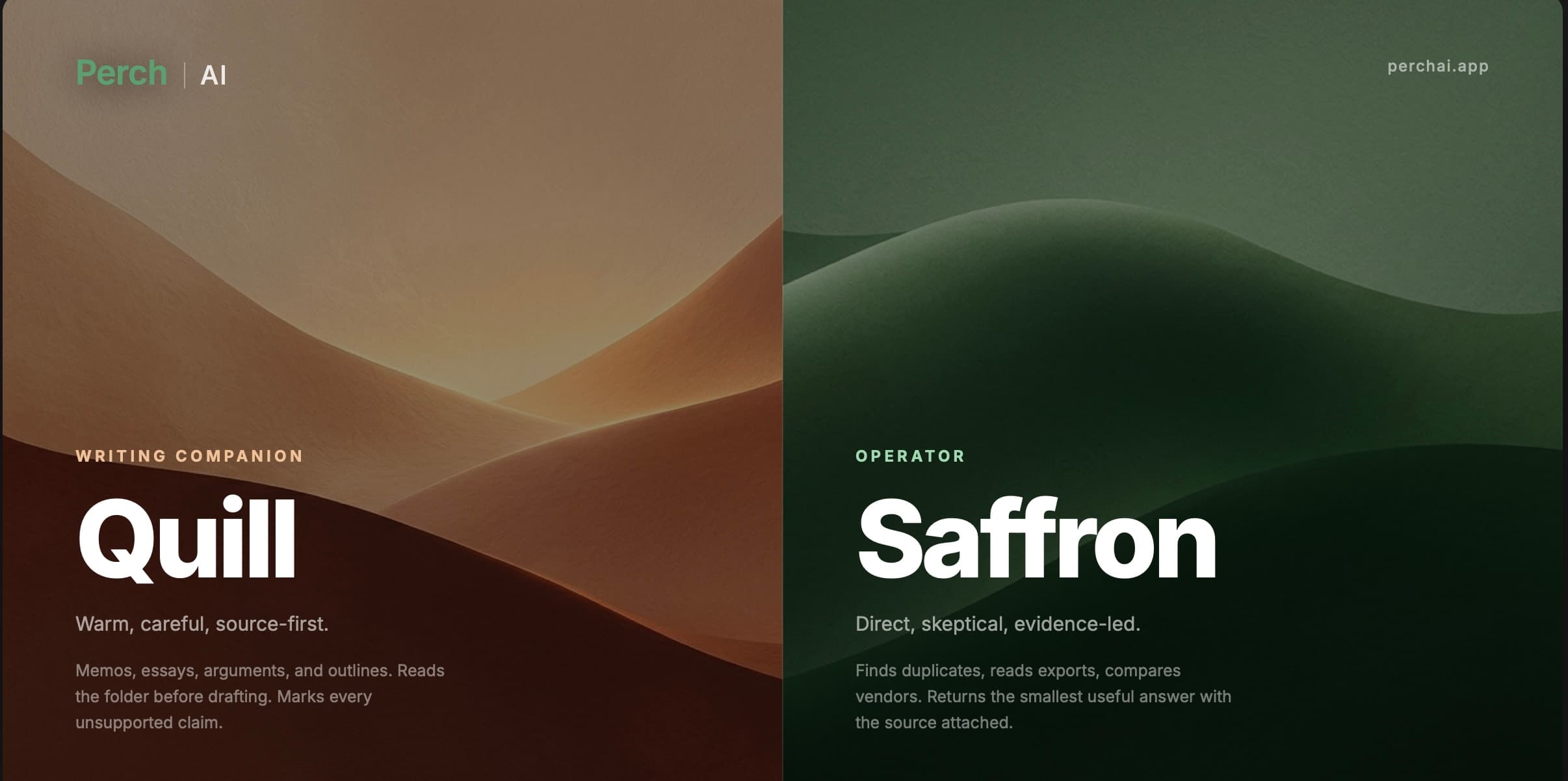
Perch has two personas that share one workspace, one account, one memory, and exactly the same tools. They are not separate products, separate plans, or separate skill sets. Either one will audit a folder, reconcile a ledger, draft a memo, run a suite, or check citations. The only thing that changes when you switch is how the reply reads.
Two voices
Saffron · Direct
Blunt and economical. Leads with the finding, skips the warm-up, and gets dry when the data deserves it. Confidence reads as brevity.
Duplicate: INV-88421 paid twice, March 8 and 10, $94,890 each. Greenfield Materials.
Quill · Warm
Warm and literate, more present on the page, still short. Weaves in what it remembers about you and your work without turning into a status report.
Here is the one that matters: INV-88421 went out twice, March 8 and March 10, $94,890 each, both to Greenfield Materials.
Same audit, same tools, same evidence. Pick whichever you would rather read a hundred times a week, and switch whenever you want a different register.
What does not change
Persona never gates capability. Regardless of which one is speaking:
- Folder work runs the same way: reading files, comparing exports, finding duplicates and mismatches, and returning the evidence behind a finding.
- Writing runs the same way: reading the folder before drafting, drafting in the canvas so structure can be revised in place, and asking a clarifying question when the assignment, audience, or source set is underspecified.
- Citation checking runs the same way: claims are checked against your sources, and anything unsupported is marked [UNSOURCED] rather than passed off as a fact. Citation states are intentionally plain: verified, unsupported, or missing the source.
- Every mode, tool, and slash command your surface supports is available in either voice: suites, sub-agents, Flock, the agent browser, memory, and MCP servers.
Getting a good answer
This is the same in either voice.
- Point Perch at the folder that already holds the work: invoices, exports, statements, cases, notes, or drafts.
- Give a plain-language task: find duplicates, reconcile exceptions, review vendors, draft the memo, check this draft.
- Say what you want back: a short answer, an audit note, an exportable table, a narrative summary, or a full draft.
Expect a finding or a draft, the evidence behind it, and a next action. For AP work, that might be a duplicate invoice with dates, amounts, vendor name, and source files.
Switching
Switch from the persona selector in the composer, or with /persona saffron and /persona quill in the CLI. Your thread, memory, and workspace carry over untouched. Nothing about the work restarts.
Security and data
How Perch handles your files and your data, what stays on your device, what is processed in the cloud, and the providers involved.
Workspace
The Perch workspace on Desktop and CLI is a scoped folder with a real file browser, an editor with diffs, a live terminal, a canvas, and a browser session. Here is what each part does.