
Cloud Agents Beta for Pro
Go live your life. Perch keeps working.
A private cloud workspace for every task. No laptop required.
- File added
- 1
- Lines added
- 51
- Draft PR created
- 1
- Laptops needed
- 0
From the real documentation task above. The 36-second video is time compressed.
Start it anywhereWeb, phone, Slack
Start it on the train.
Review it at your desk.
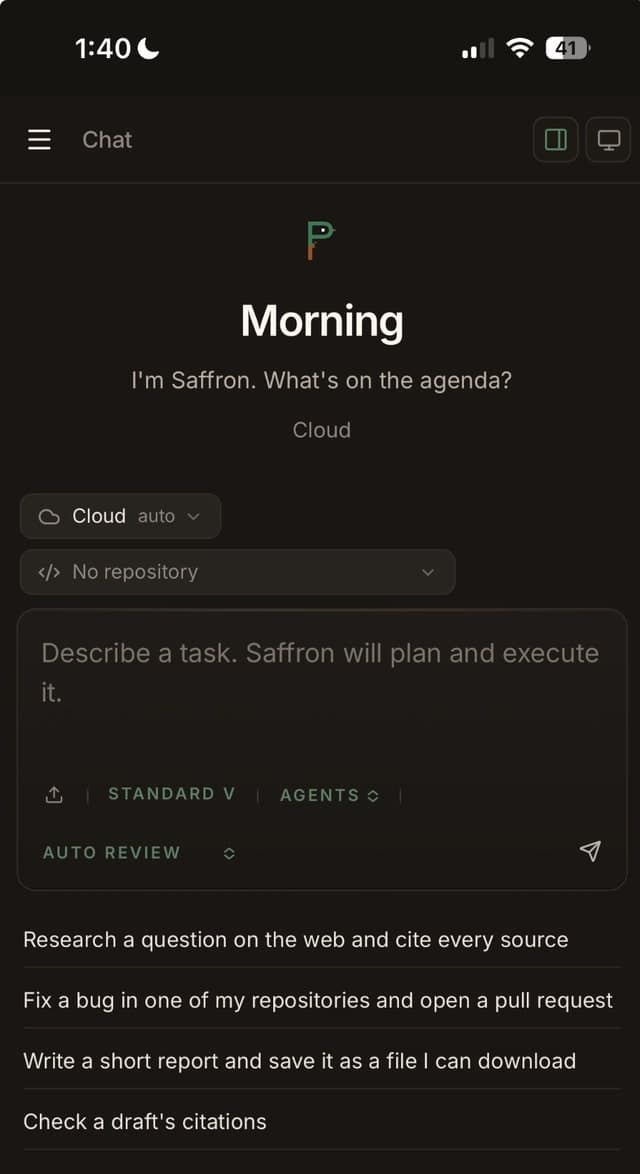
Perch Terminal runs in any browser and fits a phone. Choose Cloud, pick a repository if the job needs one, and describe it. The thread follows you to whichever screen you open next.
WebPhoneDesktopSlack

Works your reposGitHub
A real diff. A draft PR. Your review.
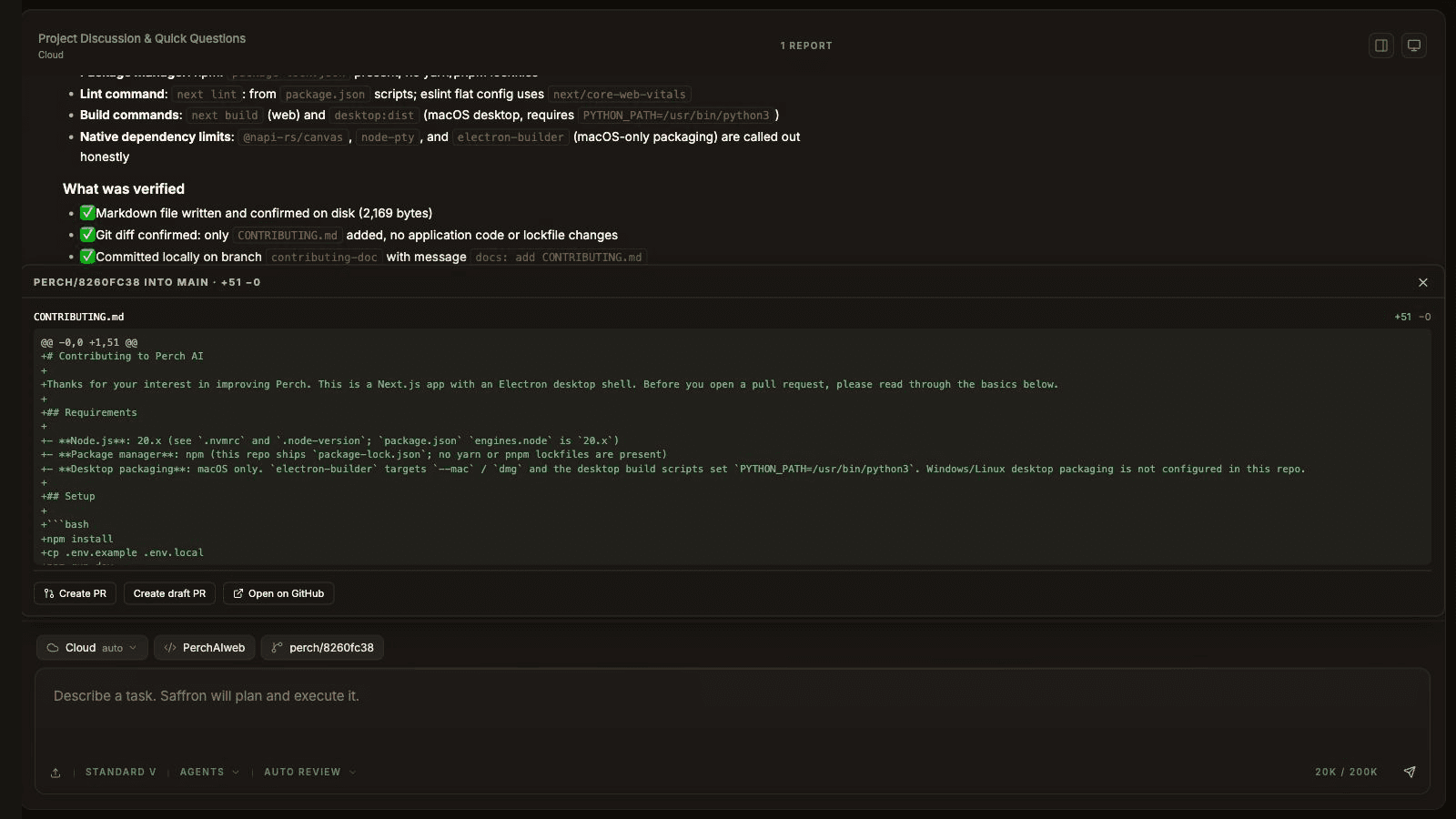
Connect GitHub once and pick a repository and branch. Here Perch read the actual repo files, wrote a contributing guide, and checked the diff and Markdown. Its Changes panel published the branch and created a draft PR. Lint and build were not run for this documentation task.
+51 −0 CONTRIBUTING.mddraft PR #5

Brings your toolsMCP, Slack
Your connections come with it.
Remote MCP servers you connect in Settings work in the cloud too. Connect Slack and you can DM Perch or mention it in a channel; it runs the task in the cloud and answers in the thread.
Settings › Connections


Same agentSame tools, same thread
The Perch you know.
Somewhere else.
Nothing new to learn. It is the agent you already use on Desktop, running on a machine that does not need yours switched on.
Its own workspace
Every session gets a private cloud sandbox with its own files and terminal. The work happens there, not on your computer.
Keeps going without you
Close the tab, quit the app, put the phone away. The thread is waiting with the result when you come back.
Live on every screen
One thread, streaming wherever it is open. Watch from Desktop, check in from your phone.
Steer it any time
Send a follow-up in the same thread and it picks up where it left off, with the conversation so far.
In beta for Pro.
Rolling out account by account. If you see Cloud where you choose where a message runs, it is on for you.
ProCloud agents come with the Pro plan while they are in beta.
 30 h
30 hOf cloud workspace time each billing period. Settings › Usage shows what you have used.
Your planModel usage counts toward your plan’s normal limits, like any other chat.

Hand it the job. Walk away.
Open Perch Terminal on the web, choose Cloud, and send the task.
or read how cloud agents work →