CLI
Start in the terminal. Work from the folder.
The CLI is the fastest path into Perch. Install it, sign in once, and talk to your files. It runs the same agentic loop and citation engine as the desktop app, directly from the directory you are already in.
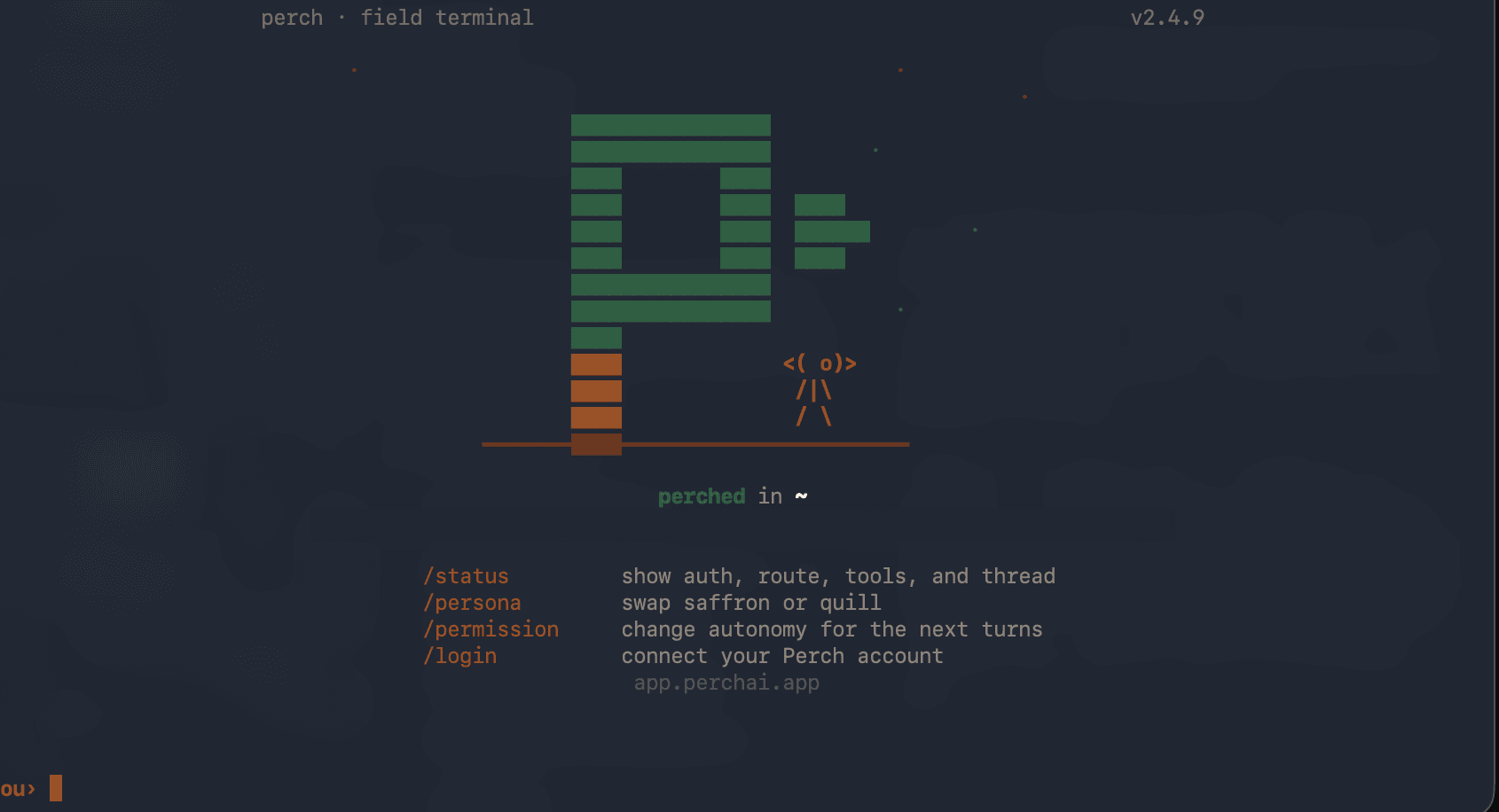
Three commands to working.
- 01
Install globally
One command. Node 18+ required.
npm install -g perchai-cli - 02
Sign in
Opens a browser tab, confirms your identity, and walks you through plan selection on first sign-in. No invite code needed.
perch login - 03
Work from the folder
Run perch in any directory. It reads the files there and starts from context, not from a blank prompt.
perch
What it does
The folder is the scope. The work happens in the background.
When you run perch, it reads the files in the current directory, accepts a task in plain language, and works through it step by step. It can draft memos, run audits, reconcile data, and verify citations against what it actually read. Long tasks run in the background; you get results when they finish.
The CLI also connects to MCP servers. It ships with CourtListener for legal research and Playwright for browser automation, and you can add your own in .perch/mcp.json. Connected tools show up alongside built-in ones, so the model can search case law or drive a browser without leaving the terminal. Learn about MCP servers.
Example sessions
~/invoices $ perch
> "Check March payments for duplicates."

Reading 47 files in ~/invoices...
Found duplicate: INV-88421, $94,890, Greenfield Materials.
Processed March 8 and March 10. Source: bank-export-march.csv row 214, row 331.
~/cases/walden $ perch
> "Write the minimum-contacts section. Use the cases in this folder."

Reading 12 files...
Draft in canvas. Three claims verified against folder sources.
One claim marked [UNSOURCED]: no supporting material found for the Calder extension argument.
When to add desktop
The CLI handles file-based work: reading, drafting, auditing, verifying. Add the desktop app when the task needs browser delivery: creating a Google Doc, sending an email through Gmail, or working inside a signed-in web app.
npm install -g perchai-cliRun perch login once, pick Starter or Pro, and you are working in under a minute. No credit card for Starter.